
Body
Skip the password.
UO faculty and staff with Windows computers can now use their fingerprint, face, or a short PIN to unlock their devices.
These passwordless options—called Windows Hello—make it effortless to securely log in to your computer.
Simplify your Windows login
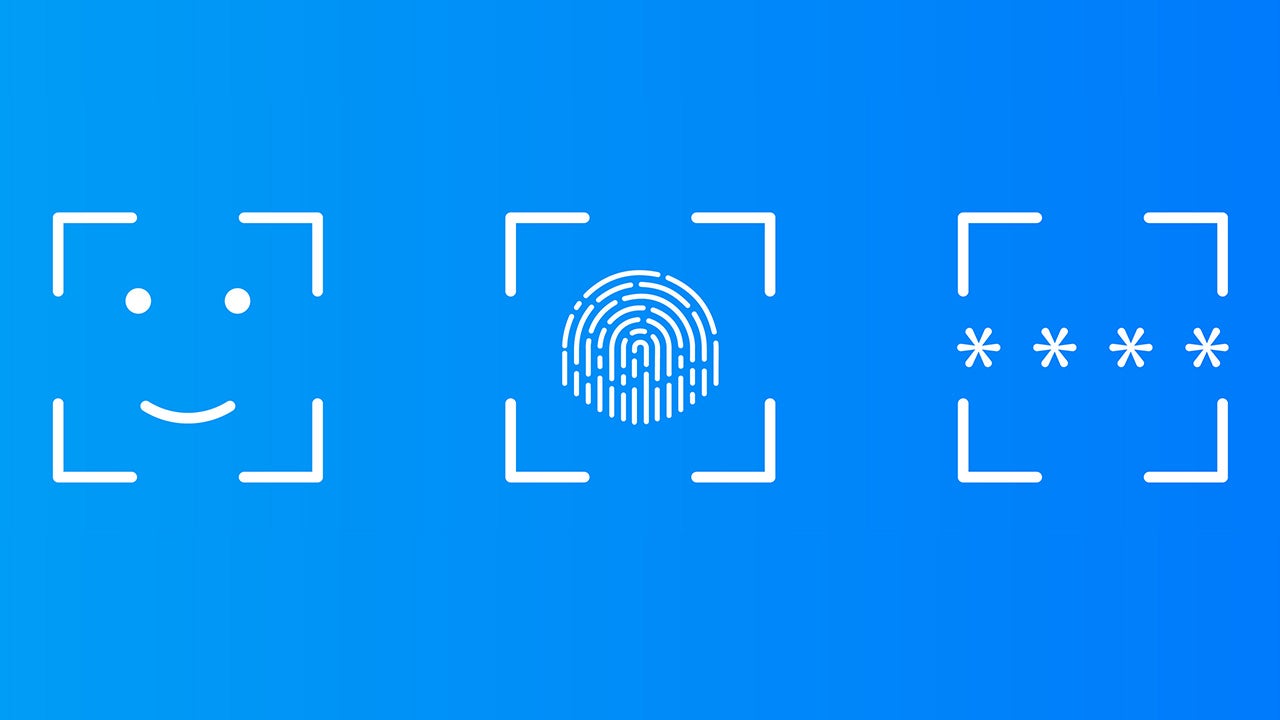
Instead of entering your password, you can sign in with:
- Facial recognition
- Fingerprint scan
- Short PIN—local to your device
Security without passwords
- Your biometric data and PIN stay on your device and aren’t shared with Microsoft or anyone else.
What hardware do I need for Windows Hello?
- Your UO computer must be managed by Information Services.
- You must have a compatible laptop or a compatible external webcam or fingerprint reader to use facial or fingerprint recognition.
- Learn more about hardware compatibility with Windows Hello.
What about Apple devices?
- Face ID (facial recognition) is available on iPhones and iPad Pros.
- Touch ID (fingerprint recognition) is available on Mac computers and non-Pro iPads.
Get started with Windows Hello
Get help
- Submit a ticket: Desktop and mobile device support